home
colophon
impressum
privacy policy
Please choose the pagination.
Single-sided
Select in case you're printing single-sided.
Double-sided
Select if your printer supports double-sided printing. This will make the page numbers alternate between the left and right side.
Reversed Double-sided
In case you need extra space for binding, this option will make the page number position alternate as in “2-sided“, but also move the entire page contents to the outer page margin.
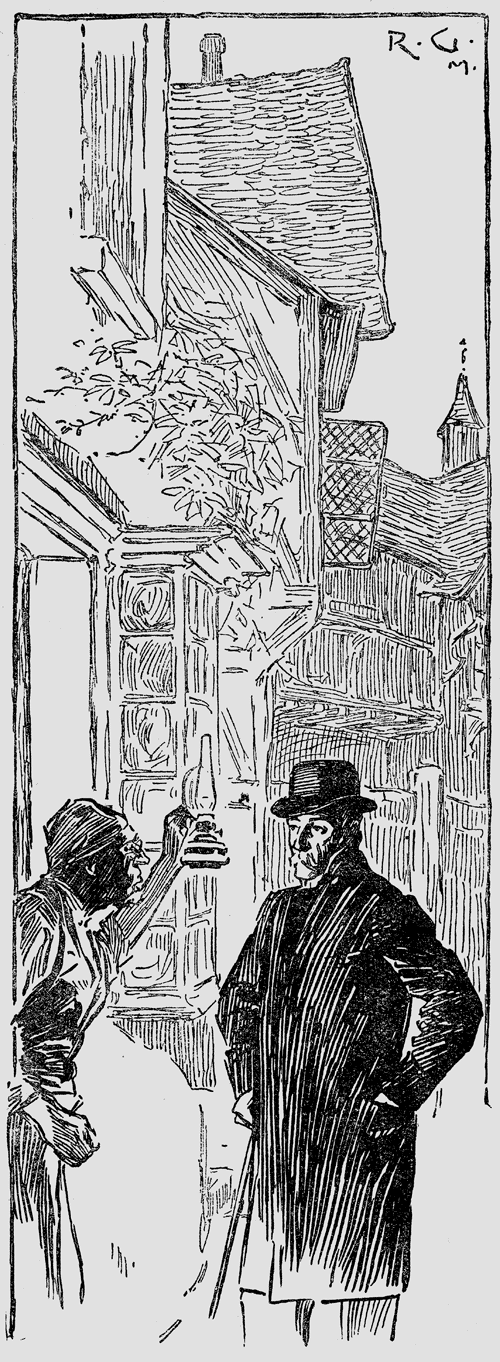
“… the words had a most magical effect, for the window instantly slammed down, and within a minute the door was unbarred and open.”
—
“The Sign of Four”